
How to Install the Mind Elixir Plugin for Obsidian
Two ways to install the Mind Elixir mind mapping plugin: BRAT or manual installation.
The Mind Elixir plugin lets you view and edit Obsidian notes as mind maps. Here are two ways to install it.
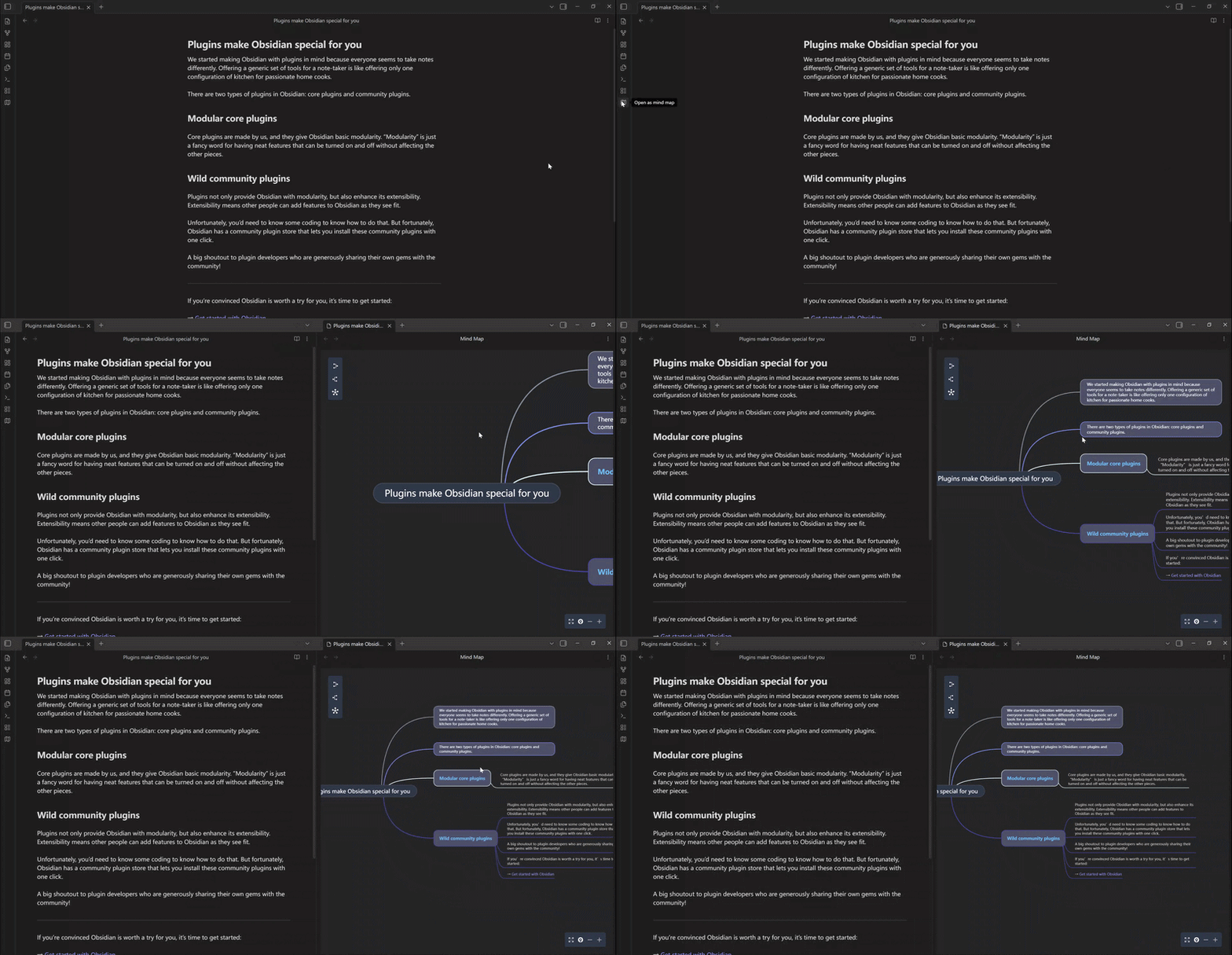
Method 1: Install via BRAT (recommended)
BRAT (Beta Reviewers Auto-update Tester) handles installation and updates automatically.
Install BRAT
- Open Obsidian Settings
- Go to Community plugins
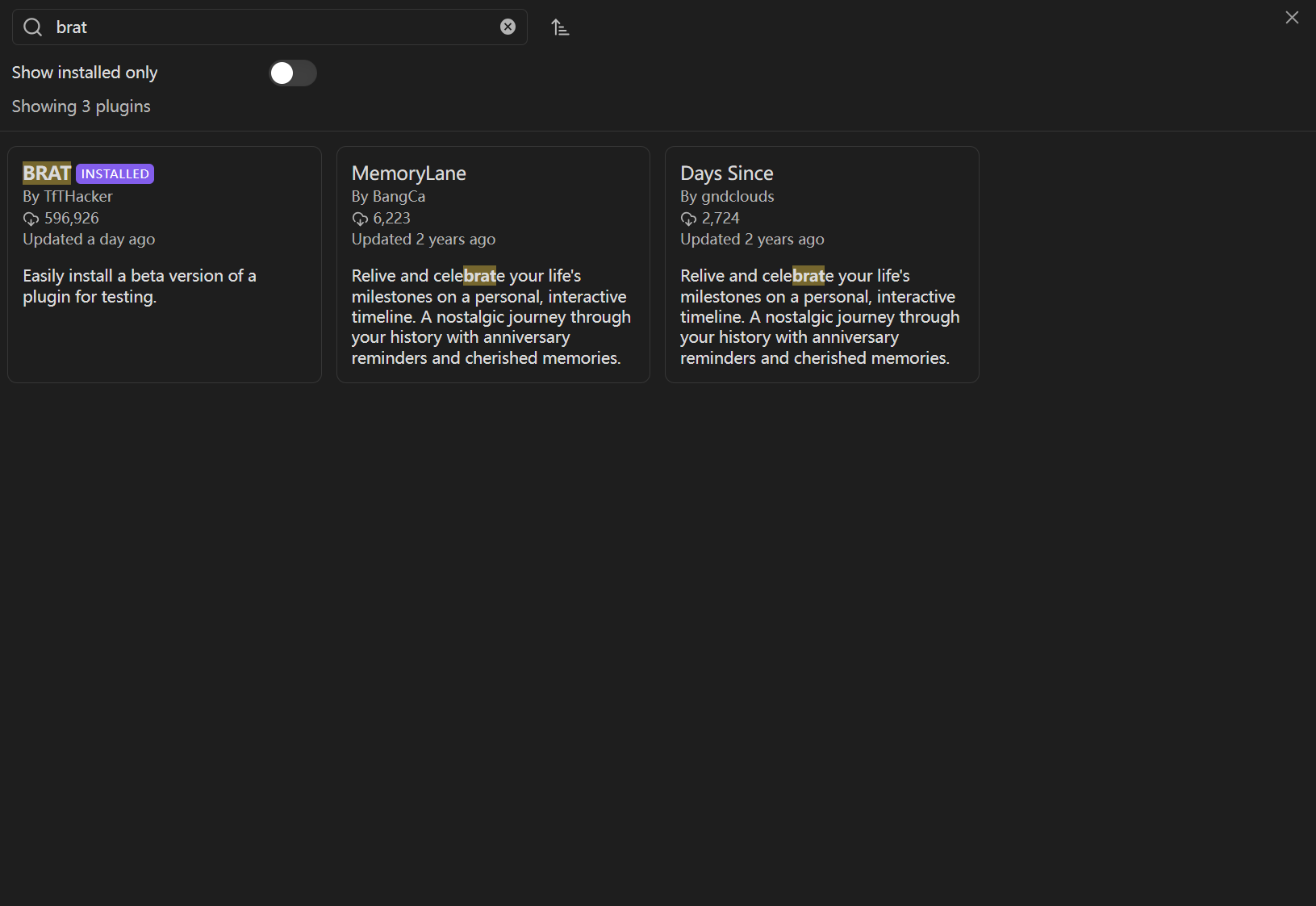
- Click Browse and search for "BRAT"
- Install and enable BRAT
Add the Mind Elixir plugin
- Open Settings again
- Find BRAT in the plugin list
- Click Add Beta plugin
- Paste this URL:
https://github.com/SSShooter/obsidian-mindmap - Click Add Plugin
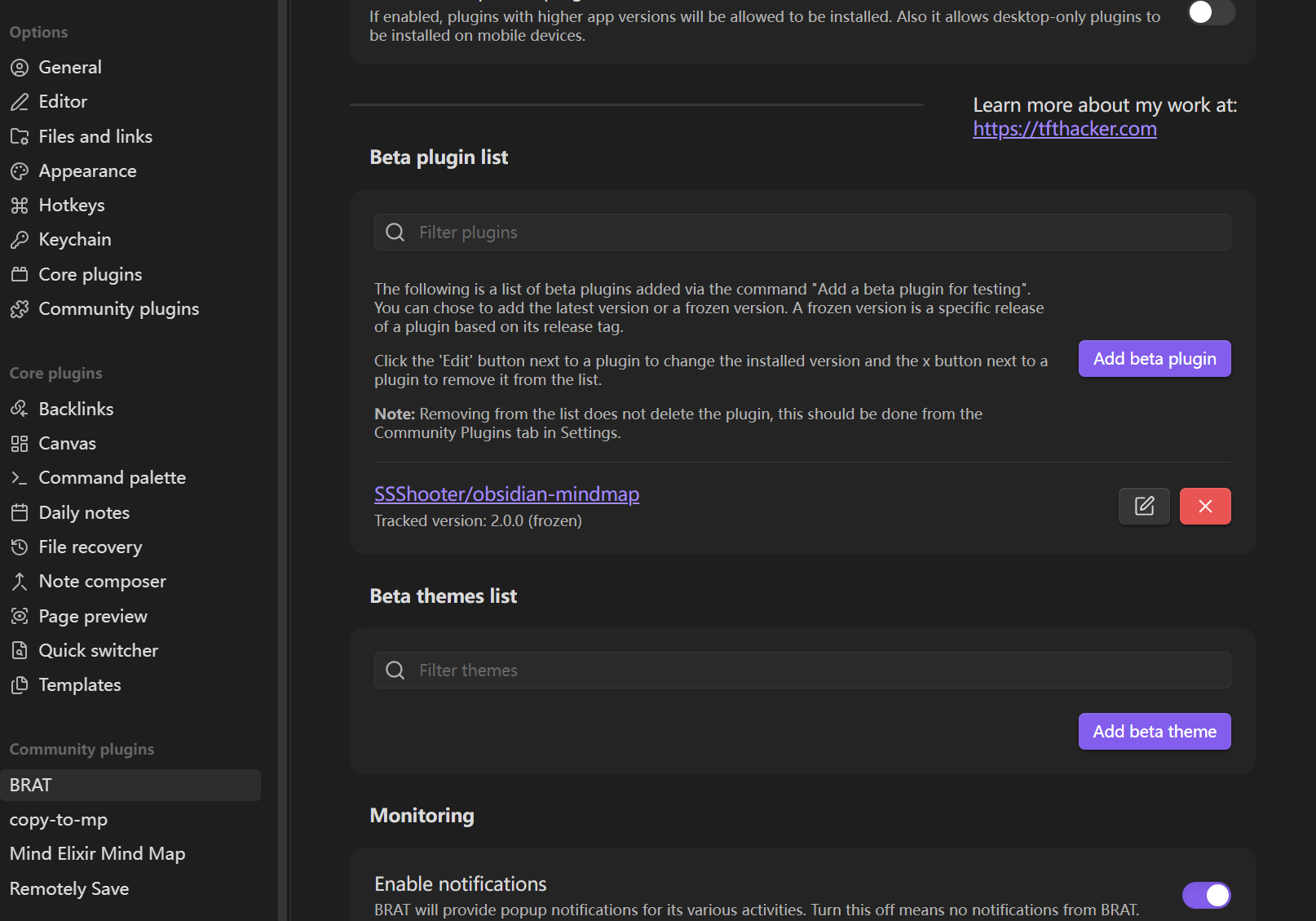
BRAT downloads and installs the plugin automatically.
Enable the plugin
- Go to Settings → Community plugins
- Find Mind Elixir in the list
- Toggle it on
Method 2: Manual installation
If you'd rather install manually:
Download the files
Go to the GitHub Releases page and download these three files from the latest release:
main.jsstyle.cssmanifest.json
Install the files
- Open your Obsidian vault folder
- Go to
.obsidian/plugins/(create thepluginsfolder if it doesn't exist) - Create a folder named
obsidian-mindmap - Put all three files in that folder
Your folder structure should look like this:
YourVault/
└── .obsidian/
    └── plugins/
        └── obsidian-mindmap/
            ├── main.js
            ├── style.css
            └── manifest.json
Enable the plugin
- Restart Obsidian or refresh the plugin list
- Go to Settings → Community plugins
- Find Mind Elixir and toggle it on
Verify it works
Open the command palette (Ctrl/Cmd + P) and search for "Mind Elixir". You should see options to create and view mind maps.
About the official plugin list
We submitted the plugin to Obsidian's official community list. Approval takes time because of the submission backlog. Until it's approved, use BRAT or manual installation.
Questions? Check the documentation or open an issue on GitHub.